How to Register on Power 777 Gaming: Step-by-Step Guide for Filipinos
What You Need Before Starting
Before you create a Power 777 Gaming account, make sure you have these items ready on your phone:
Age requirement: You must be at least 21 years old. Power 777 Gaming requires all players to meet the legal gambling age in the Philippines. Anyone under 21 cannot register or play.
Valid government ID: You will need one of these for verification:
- Philippine passport
- Driver's license
- UMID
- PhilSys ID (national ID)
- SSS or GSIS ID
- Postal ID
The name on your ID must match the name you enter during registration. Power 777 Gaming uses ID verification to prevent fraud and underage gambling.
Philippine mobile number: A working mobile number registered in your name. You will receive a verification code by SMS during sign-up.
Email address: An active email you can access. Power 777 Gaming sends account confirmations and security notifications to this address.
Have your GCash, Maya, or bank account details ready if you plan to deposit right after registration, though you can always add payment methods later.
Power 777 Gaming Register: Step-by-Step Walkthrough
This guide walks through the Power 777 Gaming registration process as it appears on a mobile browser. The steps are similar if you use the Power 777 Gaming app.
Step 1: Go to the Registration Page
Open your mobile browser and visit the Power 777 Gaming website. Tap the "Register" or "Sign Up" button, usually located at the top-right corner of the homepage.
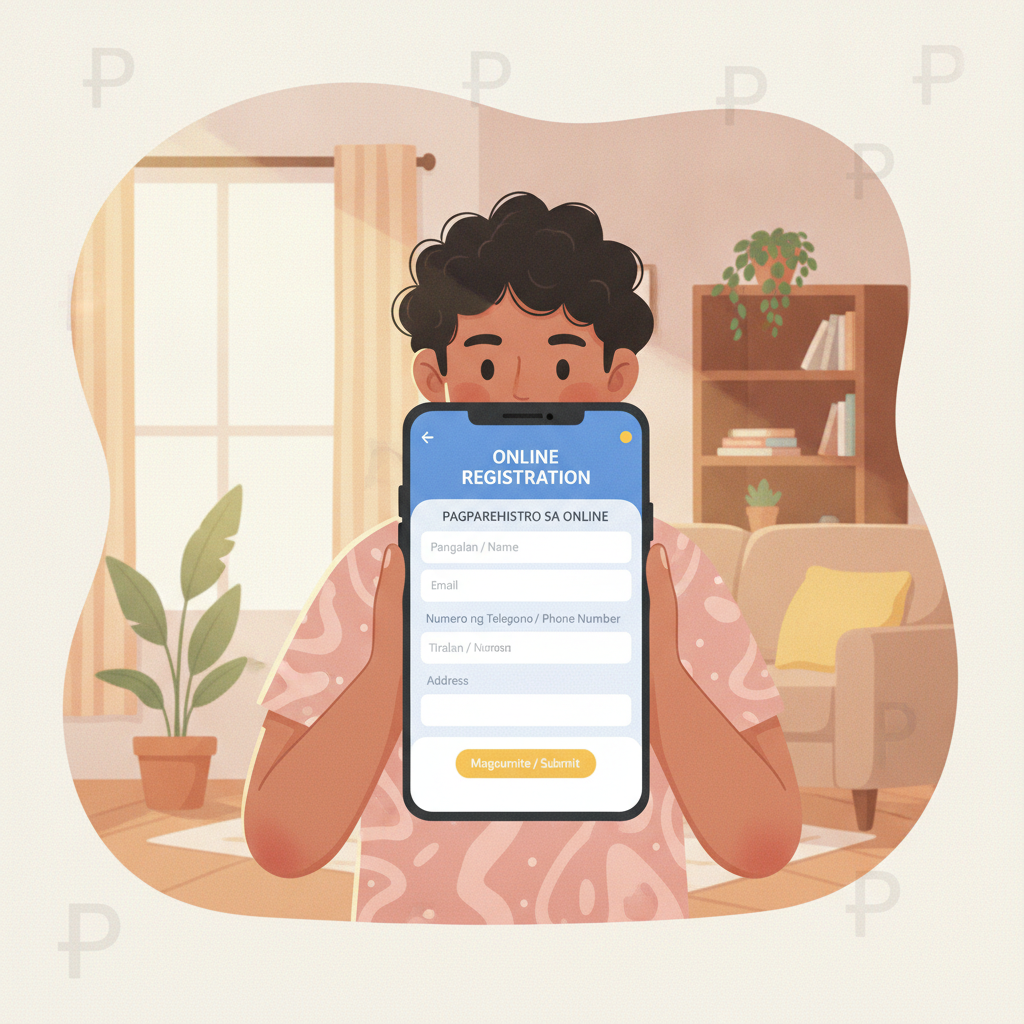
Step 2: Enter Your Personal Information
The registration form will ask for:
- Full name: Enter your complete legal name exactly as it appears on your government ID. Use your first name, middle initial, and last name in the correct fields.
- Date of birth: Tap the calendar icon and select your birth date. The system automatically checks that you are 21 or older.
- Mobile number: Type your 11-digit Philippine mobile number starting with 09. Do not add spaces or dashes.
- Email address: Enter a valid email you check regularly.
Double-check all entries for typos. Mistakes here cause problems later during ID verification.
Step 3: Create Login Credentials
Choose your Power 777 Gaming login details:
- Username: Pick a unique username between 6-12 characters. It can include letters and numbers but usually no special symbols.
- Password: Create a strong password with at least 8 characters. Mix uppercase letters, lowercase letters, numbers, and symbols for better security.
- Confirm password: Re-type your password exactly.
Write down your username and password or save them in a secure password manager. You will need these every time you log in to Power 777 Gaming.
Step 4: Verify Your Mobile Number
After submitting the form, Power 777 Gaming sends a one-time PIN (OTP) to the mobile number you entered. The SMS usually arrives within 1-2 minutes.
Enter the 6-digit code in the verification box on screen. If you do not receive the code after a few minutes, tap "Resend Code." Check that you typed your mobile number correctly.
Step 5: Confirm Your Email
Power 777 Gaming also sends a confirmation link to your email address. Open the email and tap the verification link. This step activates your account and confirms you own the email address.
Check your spam or junk folder if the email does not appear in your inbox within five minutes.
Step 6: Agree to Terms and Conditions
Before completing registration, you must tick the box to agree to Power 777 Gaming's terms of service, privacy policy, and responsible gambling guidelines. Read these documents if you want to understand how the platform handles your data and deposits.
Tap "Submit" or "Complete Registration."
You now have a Power 777 Gaming account and can log in using your username and password.
ID Verification Process and Approval Time
Power 777 Gaming requires identity verification before you can withdraw winnings. Many players also need to verify their ID before making a first deposit, depending on platform policy at the time.
How to Submit Your ID
After registration, the site may prompt you to upload ID documents immediately, or you can do it later from your account settings.
- Take a clear photo of your government ID. Both sides if your ID is double-sided (like a driver's license). Make sure all text is readable and the photo is not blurry.
- Take a selfie holding your ID next to your face. Your face and the ID information should both be clearly visible in one photo. Some platforms call this a "selfie verification."
- Upload the images. Tap the upload button in the verification section of your account. Select the photos from your phone gallery.
Power 777 Gaming accepts JPG, PNG, and PDF files. Keep each file under 5 MB for faster uploads.
Typical Approval Time
Most ID verifications on Power 777 Gaming are reviewed within 24 to 48 hours on business days. You may receive an email or SMS notification once your account is verified.
During peak periods or weekends, approval can take up to 72 hours. If your documents are rejected, Power 777 Gaming usually sends a message explaining the reason—common issues include blurry photos, expired IDs, or name mismatches.
You can resubmit corrected documents through the same verification page.
Common Registration Errors and How to Fix Them
Filipino players sometimes run into these issues when signing up for Power 777 Gaming. Here is how to solve them:
"Mobile number already registered"
This error means the phone number is linked to an existing account. If you previously created an account and forgot, try the Power 777 Gaming login page and use the password recovery option. If someone else used your number, contact Power 777 Gaming customer support through live chat or email.
"Invalid email format"
Check your email address for typos. Make sure it includes an @ symbol and a valid domain like @gmail.com or @yahoo.com. Remove any spaces before or after the email.
"Password does not meet requirements"
Your password may be too short or missing required characters. Most platforms need at least 8 characters with a mix of uppercase, lowercase, and numbers. Try adding a number or symbol like ! or #.
"Date of birth shows under 21"
Power 777 Gaming only accepts players 21 years old and above. If you entered the wrong birth date, go back and correct it. If you are under 21, you cannot register.
"OTP code not received"
Wait a few minutes, then tap "Resend Code." Ensure your phone has signal and can receive SMS. Check that you entered the correct mobile number during registration. Some prepaid SIM cards block automated messages—try another number if needed.
"Name does not match ID"
The name you typed during Power 777 Gaming register must exactly match your government ID. If you used a nickname, middle name only, or misspelled your name, contact customer support to update your account details before uploading ID documents.
What Happens After You Register
Once your Power 777 Gaming account is active, you can:
- Log in anytime using your username and password on mobile browser or the Power 777 Gaming app.
- Make your first deposit using GCash, Maya, InstaPay, or PESONet. The minimum deposit is typically PHP 100.
- Browse games including slots, jackpot games, live dealer tables, and sports betting on PBA, NBA, and volleyball.
- Set deposit limits in your account settings to help manage your budget.
You will need to complete ID verification before making a withdrawal, so it is a good idea to upload your documents soon after registration.
Responsible Gambling Reminder
Power 777 Gaming is for players aged 21 and above only. Gambling should be entertainment, not a way to make money or solve financial problems.
Set a budget before you play and never deposit more than you can afford to lose. If you feel you are spending too much time or money on Power 777 Gaming, use the platform's self-exclusion or limit-setting tools, or reach out to local support resources.
Take breaks, play for fun, and remember that outcomes in slots, live dealer games, and sports betting are based on chance.
About this guide: This is an independent informational guide to help Filipino players understand how to register on Power 777 Gaming. It is not operated by or affiliated with Power 777 Gaming. Always verify current registration steps and policies on the official platform.